Free AI calorie counter

BiteWise Good food, good habits, good you.

Snap a photo of your meal and see its calories, protein, carbs and fat in seconds. No subscription, no ads, no paywall.

Download on the App Store Get it on Google Play
Free forever No ads or tracking Photos never stored
Secondsfrom photo to macros
4 ways to logphoto, words, search, barcode
$0no subscription, ever
Privatehealth data stays on your phone
How it works

Logging that takes seconds, not minutes

Skip the endless searching. Point your camera, check the result, and get on with your meal.

1

Snap your plate

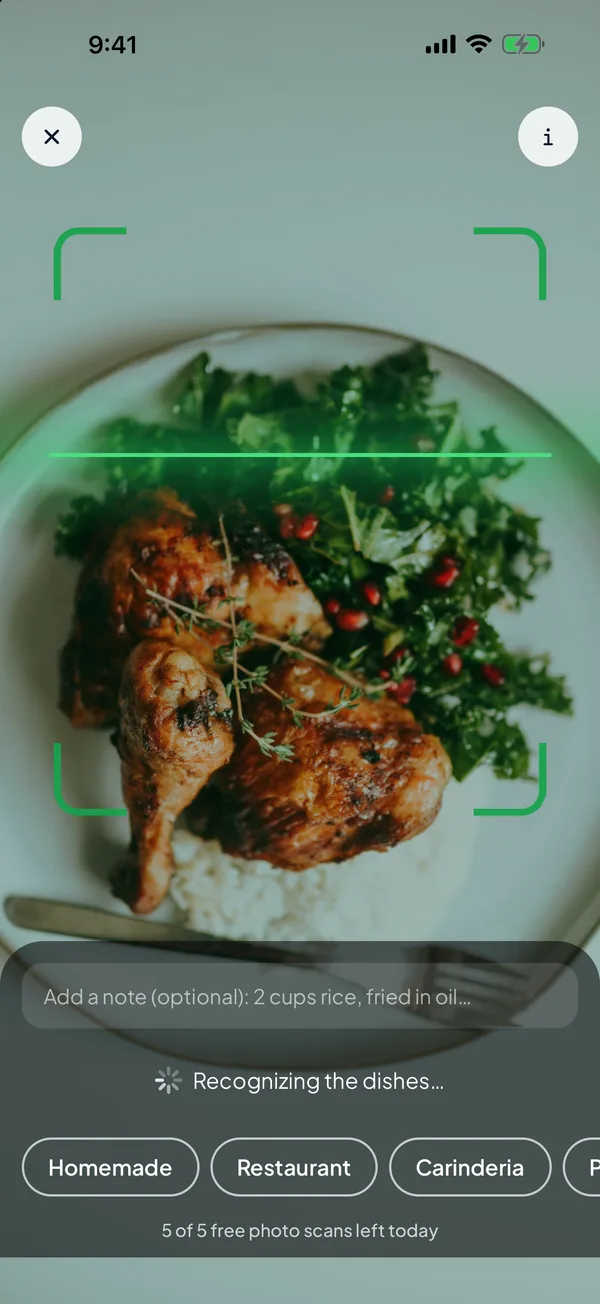
Take a photo of your meal. Add a quick note like "fried in oil" if you want an even better estimate.

2

Review in seconds

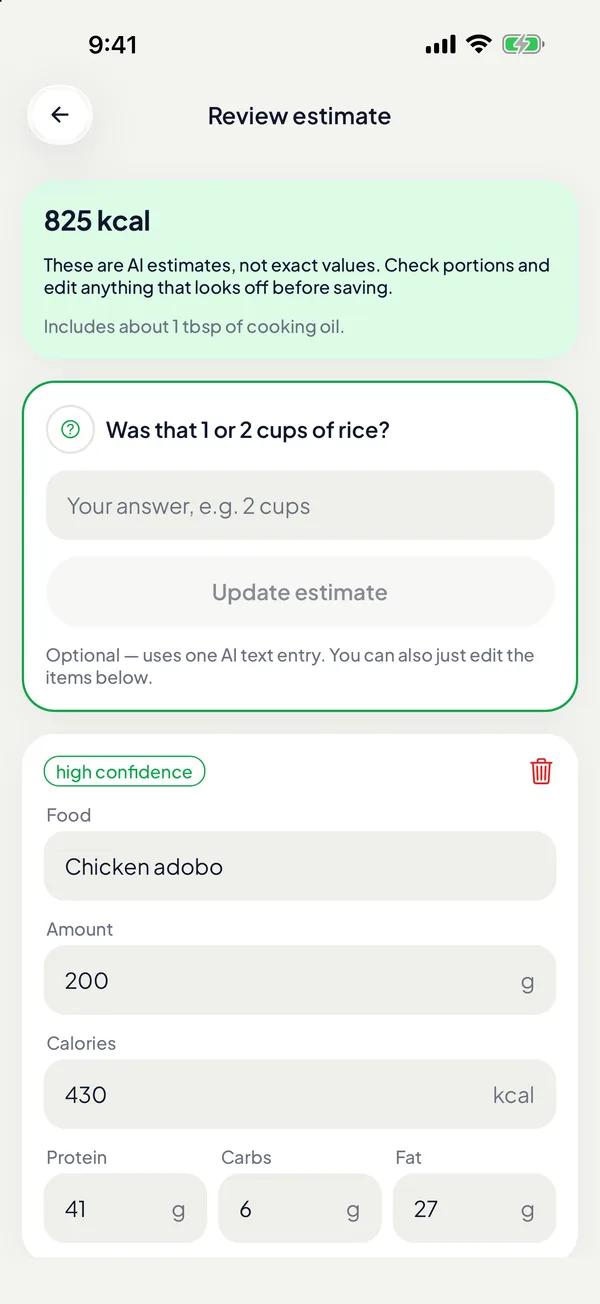
AI spots every item and estimates calories and macros. Adjust portions before you save, so your log stays accurate.

3

Watch your progress

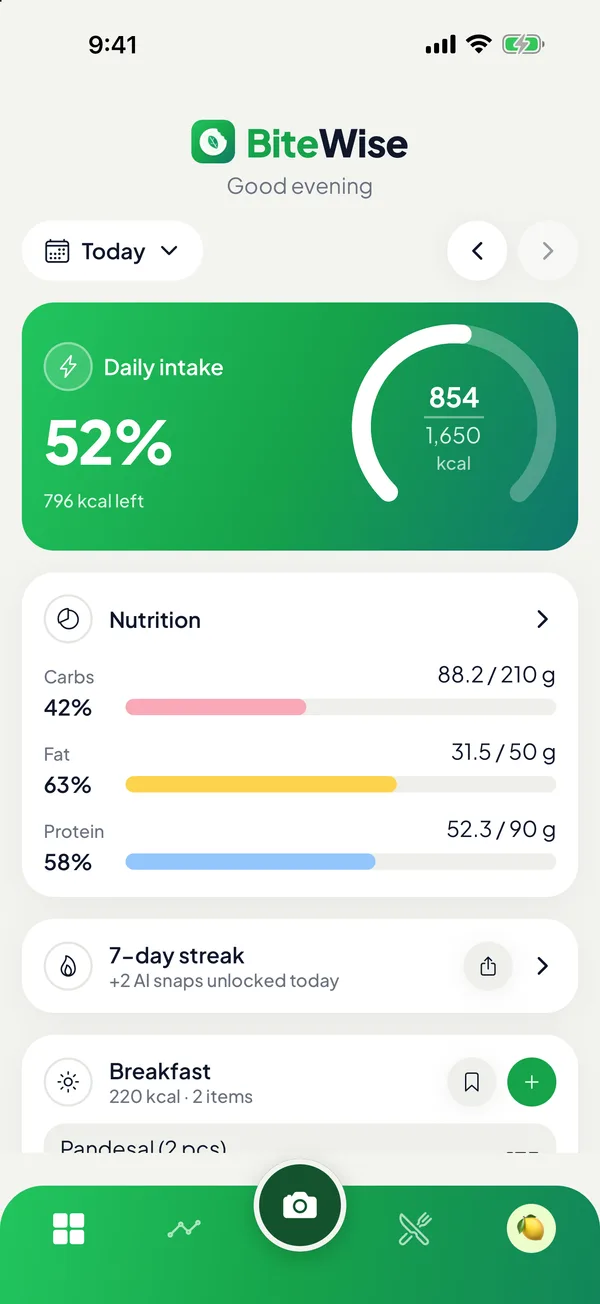
See your day at a glance, keep your streak alive, and track calories, macros and weight over time.

BiteWise camera scanning a plate of food
Snap, don't type

Your plate, counted by AI

Take a photo and BiteWise identifies each food on your plate, then estimates calories, protein, carbs and fat for every item.

  • Every item listed separately, with portions you can edit
  • Confidence levels so you know when to double-check
  • Meal photos are analyzed, then discarded
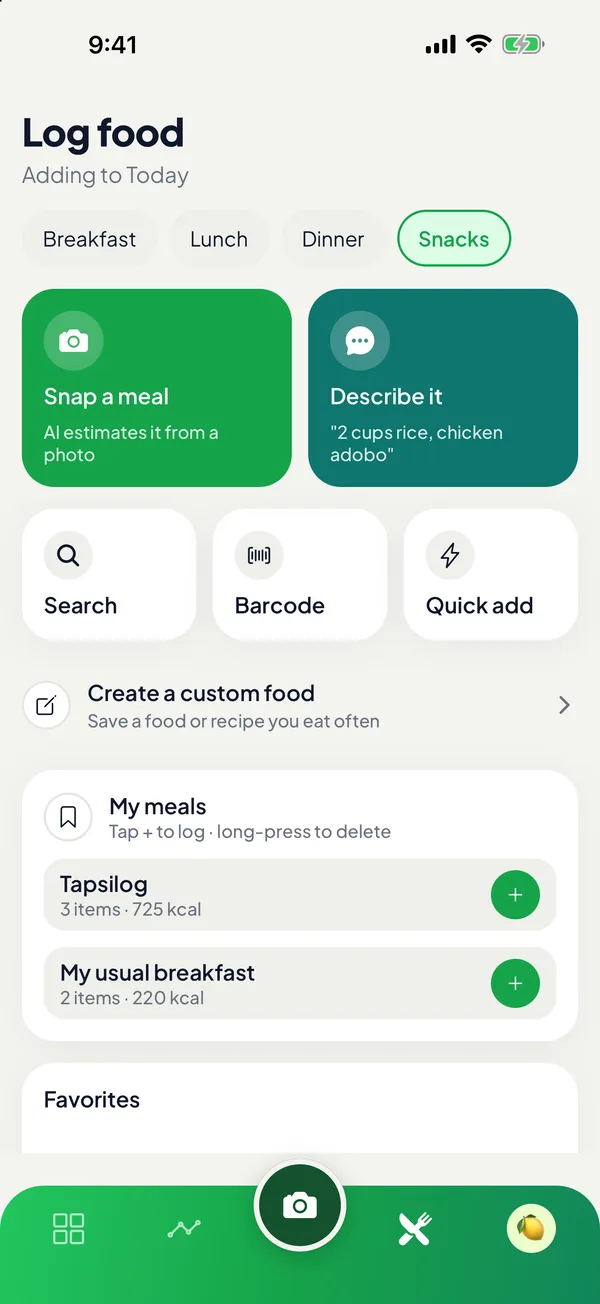
Ways to log a meal in BiteWise
Log it your way

Photo, words, search or barcode

Not every meal needs a photo. Describe it in plain words, search thousands of foods, or scan a barcode on packaged food.

  • "Chicken salad and a cup of rice" becomes a full breakdown
  • Save your go-to meals and log them again in one tap
  • Copy yesterday's meals when your routine repeats
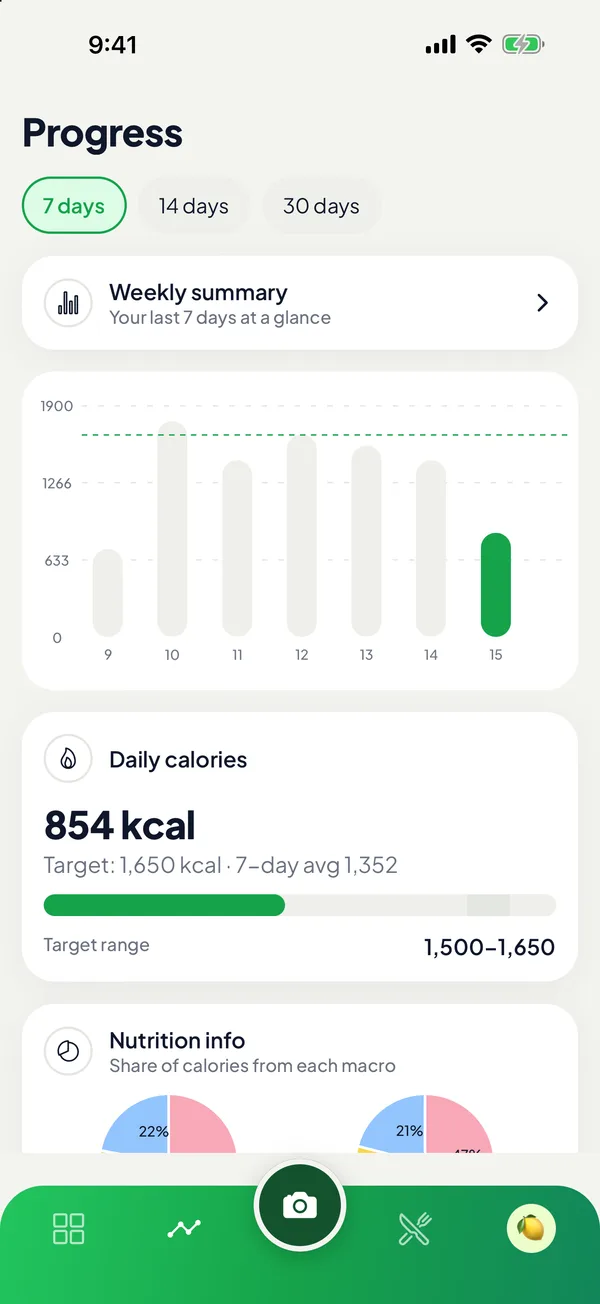
BiteWise progress charts
Stay on track

Targets that fit you, progress you can see

Get daily calorie and macro targets based on your body, activity and goal, with built-in safety limits. Then watch the trends.

  • Clear charts for calories, macros and weight
  • Weekly summaries and daily streaks
  • Meal and water reminders that fit your day
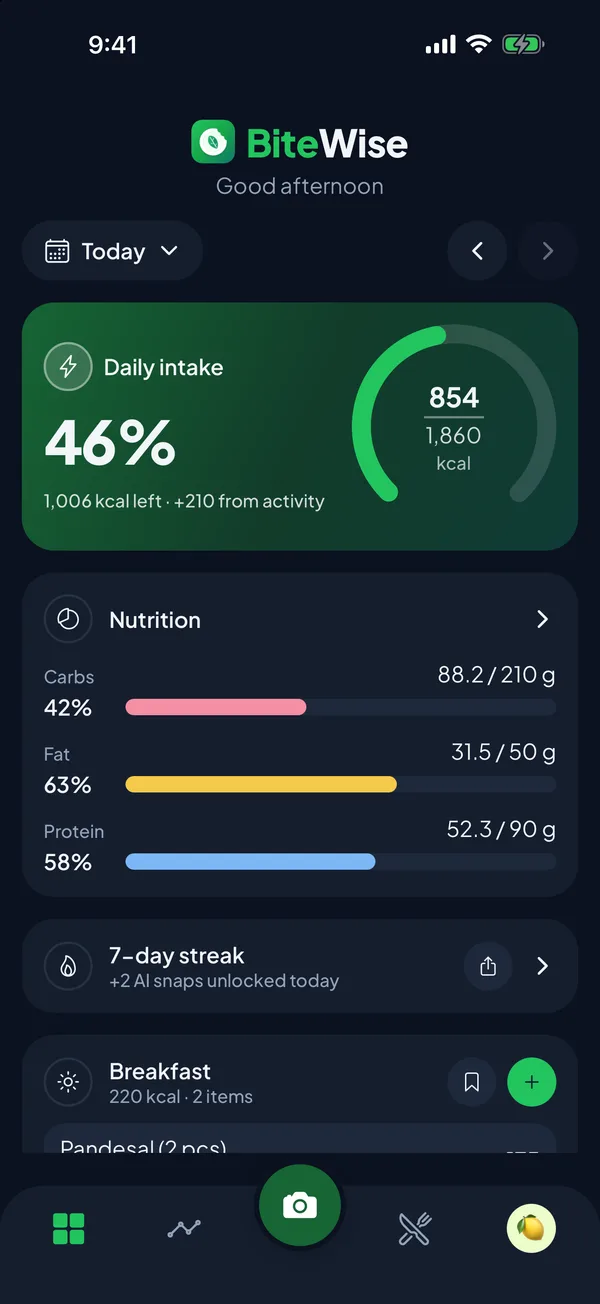
BiteWise in dark mode
Made to enjoy

Light or dark, your call

A calm, clean design that's easy on the eyes, morning or midnight. Share beautiful cards of your day, your week and your streaks.

  • Light and dark themes
  • Share cards for your wins
  • Lock the app with Face ID or your fingerprint
Everything you need

Small habits, big results

All the tools to understand what you eat, without the clutter.

Personal targets

Calories and macros calculated for your body and goal, with safe limits built in.

Barcode scanner

Scan packaged foods for instant nutrition facts.

Apple Health & Health Connect

See steps and active calories, and optionally earn back part of what you burn.

Water tracking

Tap to log a glass and get gentle reminders through the day.

Weight trends

Log weigh-ins and see the trend line, not the daily noise.

Earn more AI scans

Keep a logging streak or invite a friend to unlock extra photo scans each day.

Private by design

Your food log is yours

We built BiteWise to collect as little as possible. No ads, no trackers, and nothing sold. Read the full privacy policy.

  • Meal photos are analyzed, then discarded
  • Health data never leaves your phone
  • No ads, no tracking, no data selling
  • Delete your account and data anytime
Keep BiteWise free

Community-supported, not ad-supported

No ads, no investors, no paywall. AI isn't free to run, so BiteWise is kept free by people who believe in it.

Buy BiteWise a coffee

Every photo scan costs real money to run. A single coffee covers thousands of AI scans for the community, and keeps the free plan generous for everyone.

Support on Ko-fi

In the Philippines?

Scan with GCash, Maya or your bank app (InstaPay).

InstaPay QR code to support BiteWise On this phone? Screenshot the code, then in GCash tap Pay QR → Upload QR. Transfer fees may apply.
Can't chip in? That's completely okay. Using BiteWise, sharing it with a friend, and sending feedback help just as much.
FAQ

Questions, answered

Is BiteWise really free?

Yes. There's no subscription, no paywall and no ads. Everyone gets free AI photo scans every day, and you can earn more by keeping a logging streak or inviting a friend. BiteWise is community-supported: see how you can help keep it free. Want unlimited scans? Use your own Anthropic or OpenAI API key in Settings.

How accurate are the AI estimates?

Photo estimates are a fast, helpful starting point. Portions can be hard to judge from a photo, so BiteWise shows a confidence level and lets you edit any item before saving. Adding a short note, like the cooking method, improves the estimate.

Do you keep my meal photos?

No. Photos are sent for analysis and then discarded. Only the foods and numbers you choose to save are kept in your log.

Which phones does it work on?

BiteWise is coming to iPhone (App Store) and Android (Google Play). It connects with Apple Health on iPhone and Health Connect on Android.

Is this medical advice?

No. BiteWise gives estimates for general information only. Talk to a healthcare professional before making big changes to your diet.

How do I get help or delete my account?

Visit our support page or email bitewise@jumpstartcreatives.com. You can delete your account anytime in Settings → Delete account.


Start eating smarter today

Free on iPhone and Android. No subscription, no ads.

Download on the App Store Get it on Google Play